
Contents
In brief
What is it?
Our opinion
In detail
Pricing and payouts
Card machine
POS system
Reporting
Service and reviews
Getting started
Photo: Emily Sorensen (ES), Mobile Transaction
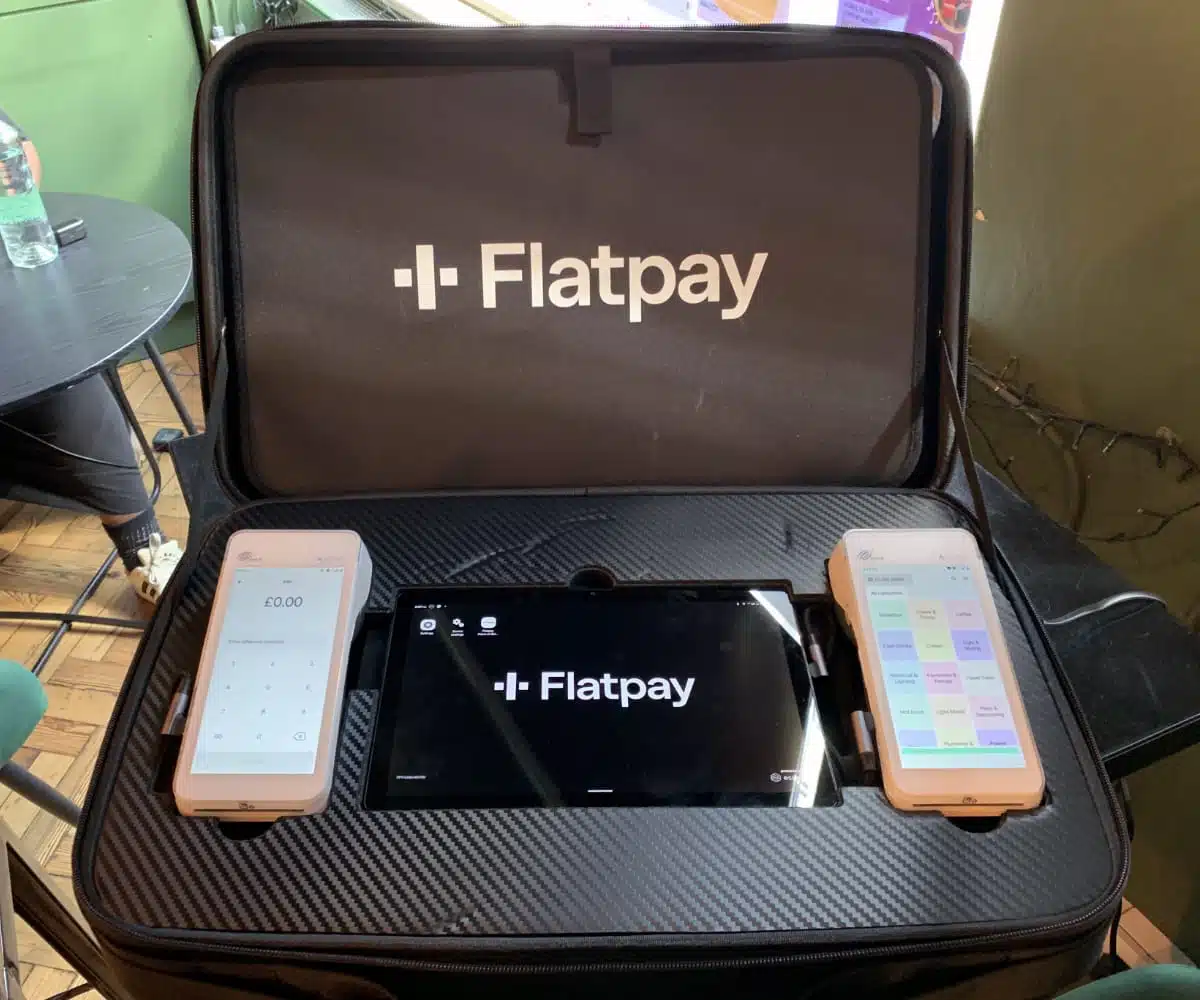
The Flatpay sales representatives who visited me came well-prepared with a suitcase of terminals.
The company stands out for its exceptional onboarding experience with dedicated staff, ongoing do-it-for-you support and simplified packages.
Still, you should consider the fine print of the contract. The much-flaunted “simple flat rate” is not the whole story, as we’ll get into below.
Accepted cards


Apart from the high-end card machine and optional POS system, the package includes a backend dashboard with basic sales data. It doesn’t yet integrate with external software, so you should be certain it has all you need for the next 3 years – as that is how long the contract is.
Our opinion: best for stable, single-location businesses
If you’re tired of the do-it-yourself card machines that don’t include much in the way of personal support, but still want simple, predictable fees, Flatpay could be your first choice.
Their team is extremely accommodating, will set up the hardware and offer support round the clock. The terminals with POS software do cost at least £995 upfront – a lot more than pay-as-you-go services like Zeller or SumUp – but there’s a free standalone terminal without POS features. All of these have no monthly fees as long as you process at least ~£1,000 monthly.
| Flatpay criteria | Rating | Conclusion |
|---|---|---|
| Product | 4.5 | Good/Excellent |
| Costs and fees | 4 | Good |
| Transparency and sign-up | 3.8 | Good |
| Value-added services | 3 | Passable |
| Service and reviews | 4.6 | Good/Excellent |
| Contract | 2.5 | Bad/Passable |
| OVERALL SCORE | 3.9 | Good |
Just beware: there’s no way to expand Flatpay with external EPOS or other software like ecommerce or online delivery platforms, and its own POS features are not advanced yet. You’re not allowed to use other card reader solutions either during the contract. It’s therefore not a system for businesses expecting complex point of sale system requirements over the next few years.
But for the likes of corner shops, independent retailers, cafés, pubs, taxi drivers, clinics and hairdressers that are already established, this probably won’t matter when you’re so well supported by real people from the start. The few fees and ongoing service make 3 years worth it, and even more so if you stay longer.
Flatpay pricing, contract and payouts
In return for personal service from real people, merchants commit to a contract of 36 months.
The contract length is interesting to us, as UK regulations have banned card machine contracts over 18 months for most providers. We’ve asked Flatpay to elaborate, and they confirmed they can enforce it because their card processors (Rapyd and Shift4) are exempt from the rule.
Additionally, there’s a high upfront cost for any of the packages containing any POS features (however simple the features). The card machine with no upfront cost can only take custom amounts and doesn’t link with any POS system.
Whether you get the free card machine or the one with POS features, the hardware is proprietary and can only be used with Flatpay. In other words, you neither rent nor buy it without obligations. Upon contract cancellation, you have to return the hardware, including shipping, or pay for it all.
Flatpay fees overview:
| Flatpay fees | |
|---|---|
| Hardware + installation + software (upfront cost) | Simple terminal: Free Mobile POS terminal: £995 + VAT POS Pro: £1,995 + VAT POS Premium: £2,495 + VAT |
| Visa, Mastercard transactions | <£200k card turnover/year: 1.49% (simple terminal) or 1.69% (POS packages) £200k+ card turnover/year: Lower, custom rate |
| Amex transactions (add-on) | 3.89% |
| Contract lock-in | 36 months |
| Minimum monthly turnover requirement | £995 + VAT |
| Monthly minimum charge | £39 + VAT if monthly minimum not reached This is in addition to transaction fees |
| Payouts next working day | Free |
| Terminal replacement* | £410 + VAT |
| Admin fee for changing business details | £25 + VAT |
*Applies if the terminal is lost, damaged by the merchant or not returned.
The fixed card processing rate covering all Visa, V Pay, Mastercard and Maestro payments depends on your business turnover. Merchants accepting less than £200,000 annually pay 1.49% if using the simple card machine or 1.69% with the mobile POS card machine or stationary POS system.
If your business processes over £200k annually in card payments, you get a custom rate based on your turnover, type of business and card types you typically accept. This rate would be lower than 1.49%-1.69% which are considered maximum rates for everyone. The exception is American Express, an optional add-on for 3.89% per transaction.
Whatever your rate, be sure you’re happy to stick with it for 3 years, as Flatpay’s contract states you cannot use the system alongside other card readers. This could result in penalties and contract suspension if breached.
Transactions settle the next working day in your chosen bank account, free. This is pretty standard now. Anything slower is considered slow, and faster (e.g. next day on weekends and holidays too) is truly fast.
You should accept at least £995 monthly to avoid a fee
All Flatpay merchants agree to accept at least £995 in transactions per month. Otherwise, they pay £39 for the month when less was accepted in addition to the transaction fees incurred.
Most established businesses will make more, but those with seasonal sales might need to consider this cost. When I spoke with Flatpay, it sounded like they sometimes waive it for otherwise stable businesses that might temporarily be disrupted and make less.
Surcharging for some international and business cards
Unlike most card machine companies in the UK, Flatpay offers surcharging on qualifying transactions. It essentially means the customer pays for the transaction instead of the merchant.
Surcharging is banned on most transactions in the UK, but not on “eligible international and business cards” which for Flatpay only include Visa and Mastercard, not American Express.
To give an example, taxi drivers can enable surcharging for Visa Business transactions to avoid paying the transaction fee themselves. Instead, the cardholder is presented with the surcharge (same rate as the transaction fee) on the terminal screen and can choose to pay this or use another card.
Since most people in the UK are used to paying no extra fees at checkout, it could cause some contention at checkout when customer see the surcharge. But many businesses like cab drivers with many international customers find this option quite valuable for saving money.
Card machine: one tried-and-tested model that just works
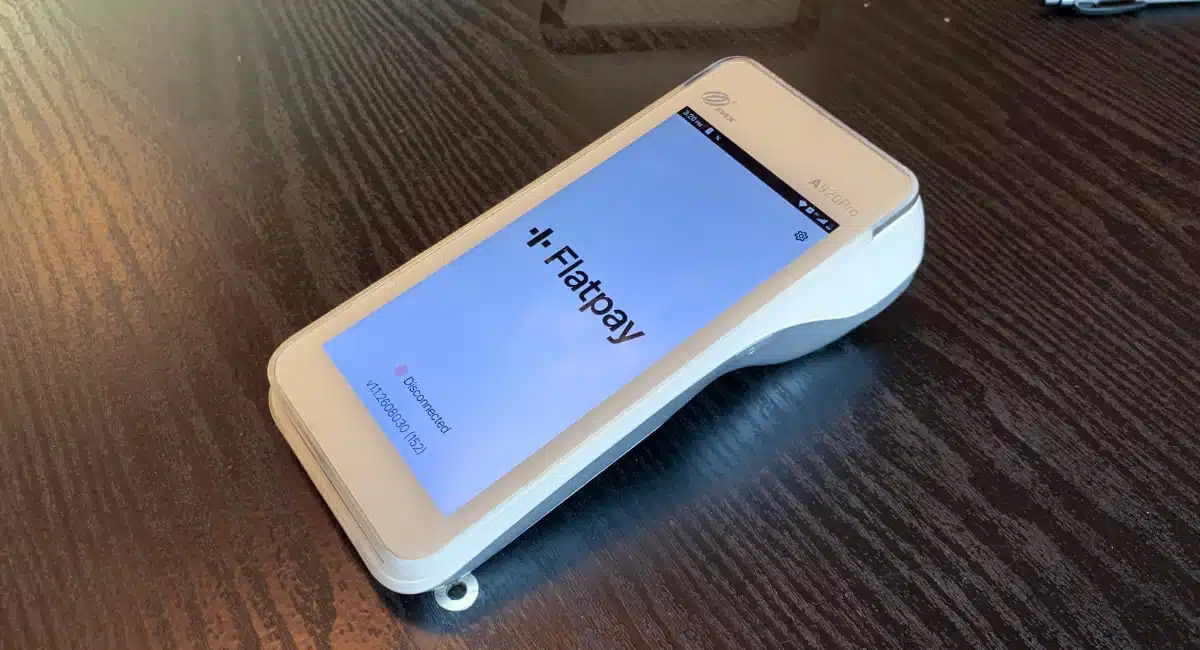
Flatpay sells one card machine model: PAX A920Pro.
It’s a market-leading touchscreen terminal that’s reliable, modern and sleek with a 5.5″ HD touchscreen, day-long battery life and built-in receipt printer. The package includes a braille PIN pad to make it easier for people with visual impairments to enter their PINs on the touchscreen.
Functional through WiFi and 4G (via an included, free SIM card with unlimited data), Flatpay hasn’t incorporated offline mode into it. We therefore recommend having a good, fixed-location internet connection, using mobile connectivity as a backup.
Photo: ES, Mobile Transaction
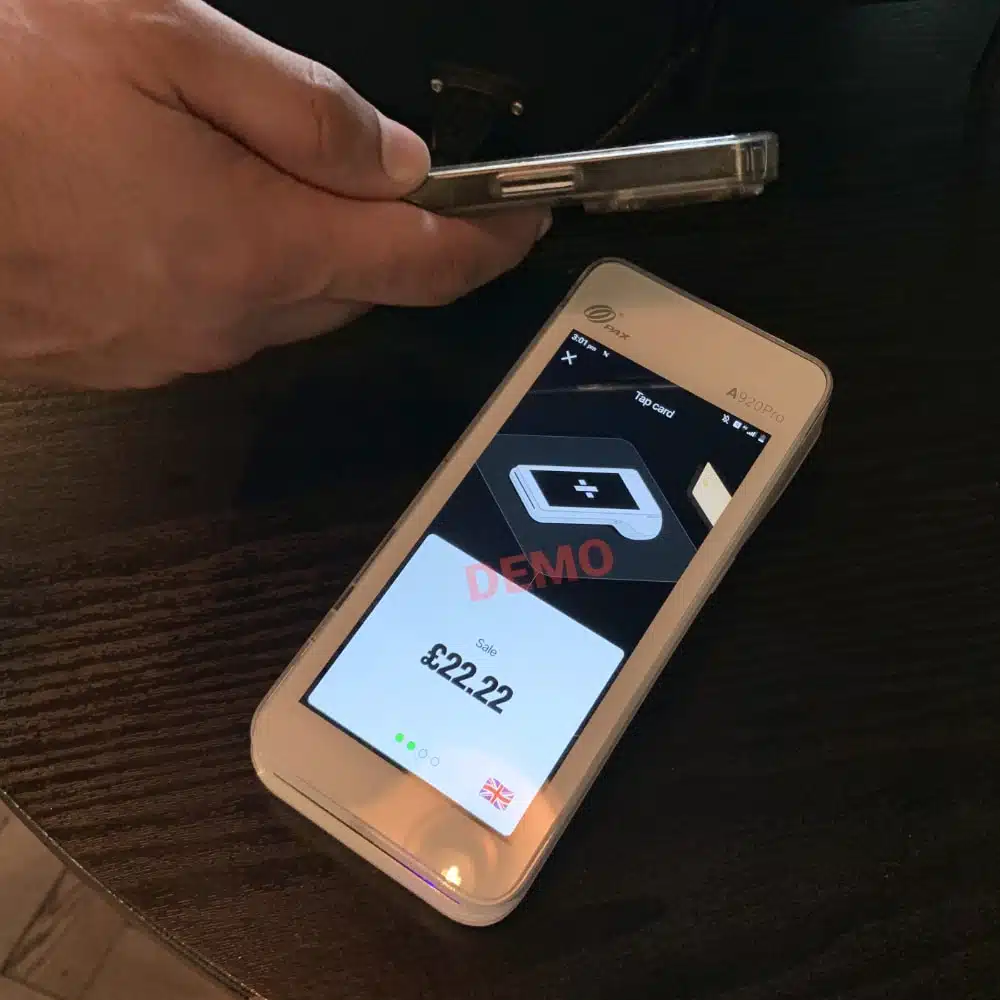
The Flatpay terminal works as it should with contactless.
Photo: ES, Mobile Transaction
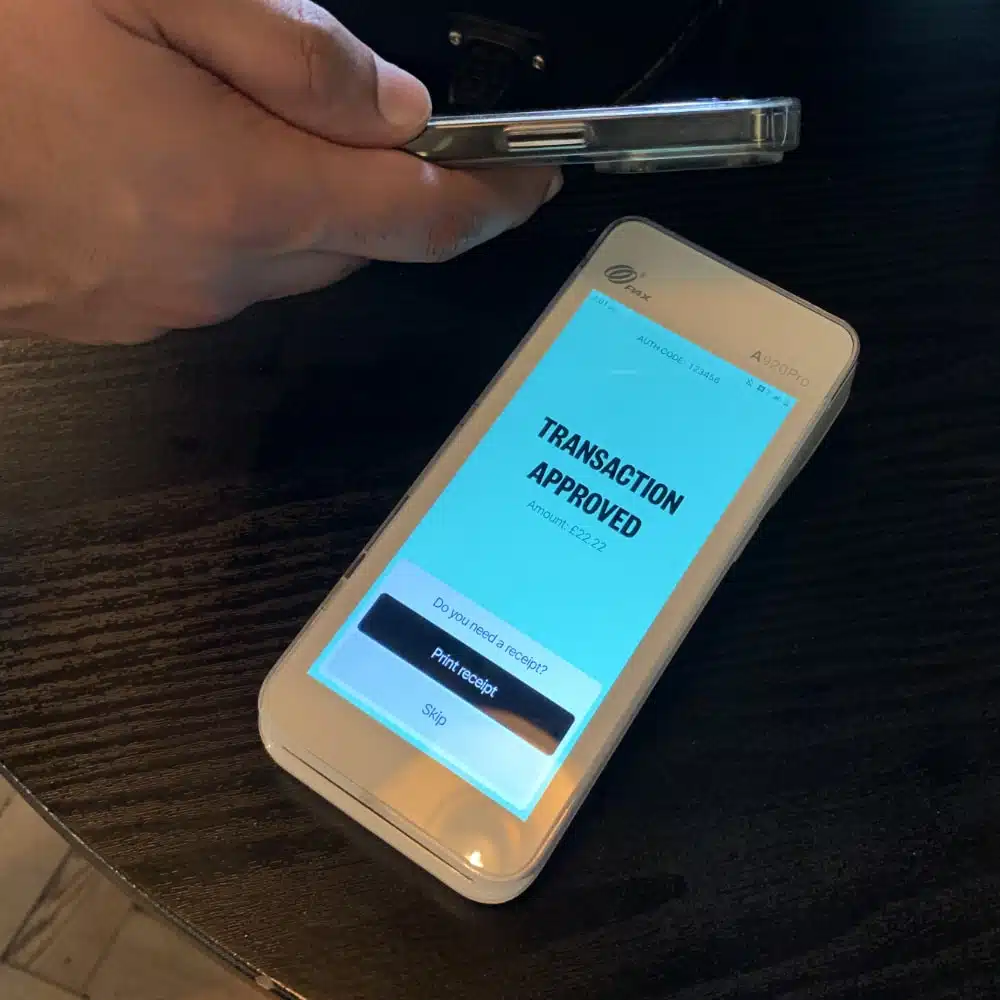
Printing a receipt is optional.
The main question is which software you want for it. The simple terminal – free upfront – only really accepts single amounts, tips and refunds. It doesn’t itemise receipts, have a product library or connect with external POS software.
Photo: ES, Mobile Transaction
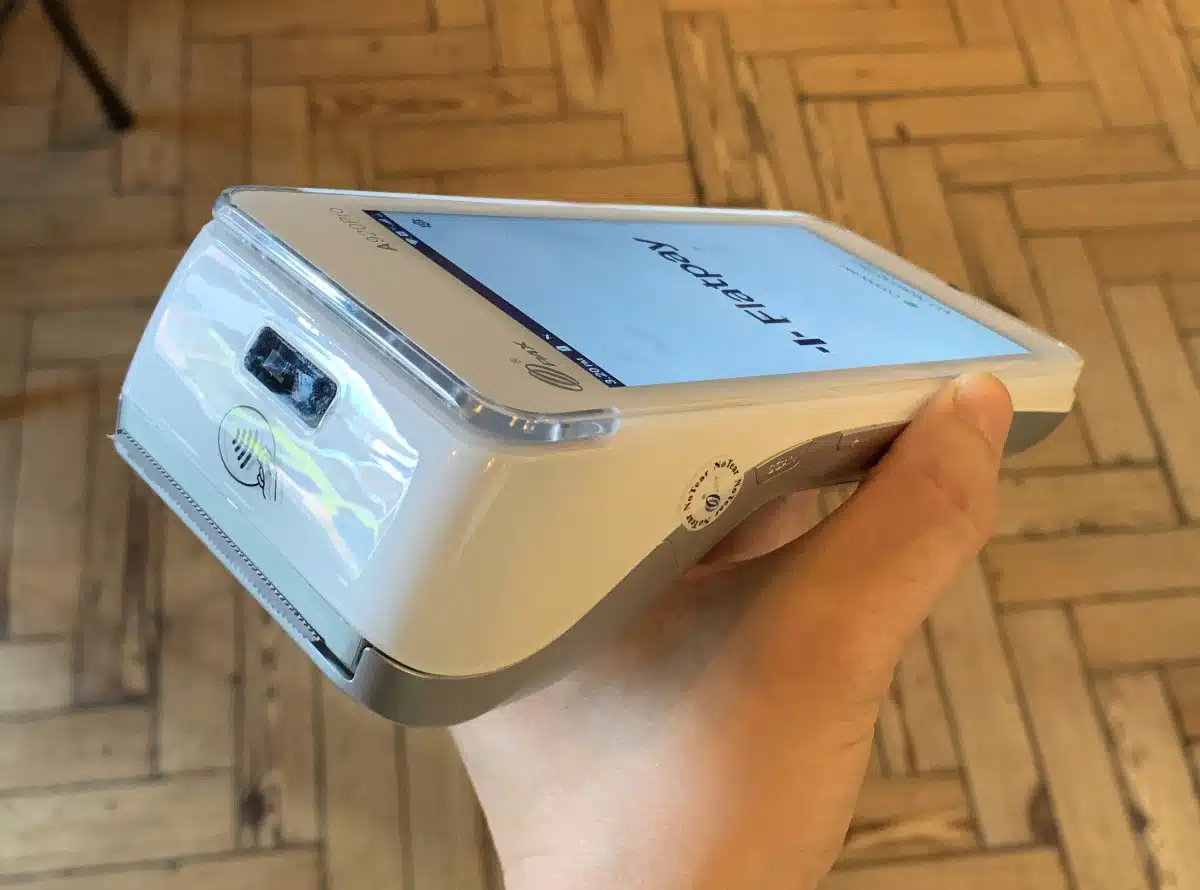
One real-life reviewer had complaints about Flatpay, but conceded that “the actual card terminal is nice”.
For point of sale (POS) features, you’ll need the mPOS package containing the same PAX A920Pro terminal, but with a simple POS system not unlike PayPal POS.
All users can print X and Z reports directly on the terminal – potentially enough for bookkeeping in a small shop. The backend merchant portal shows more data and allows you to export sales to an Excel file.
Photo: ES, Mobile Transaction
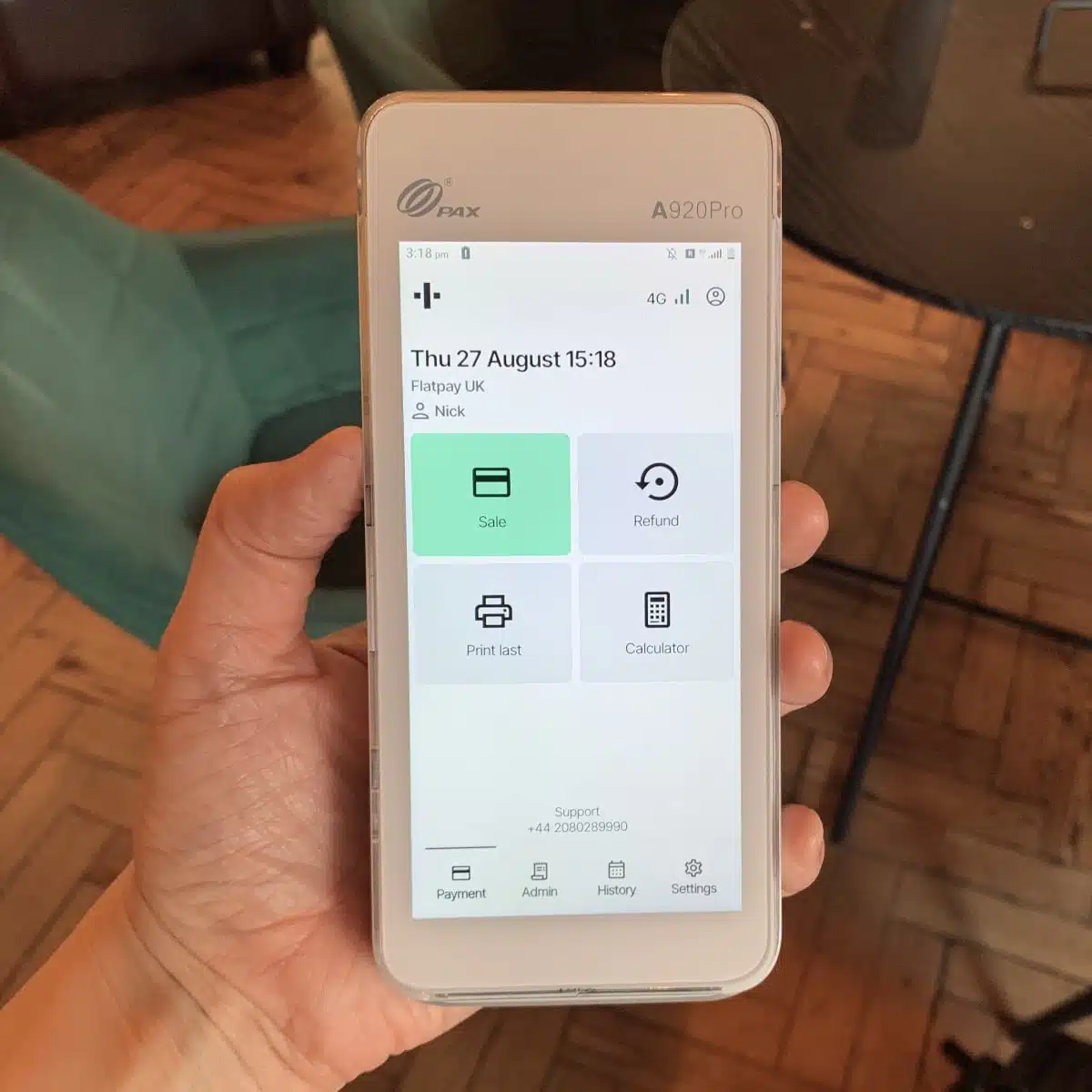
A terminal feature that’s totally unique to Flatpay is the calculator on the main screen.
Since so many providers in the UK offer the same card machine (e.g. Dojo, Takepayments), I was curious how Flatpay’s PAX A920 was any different.
Photo: Emmanuel Charpentier (EC), Mobile Transaction
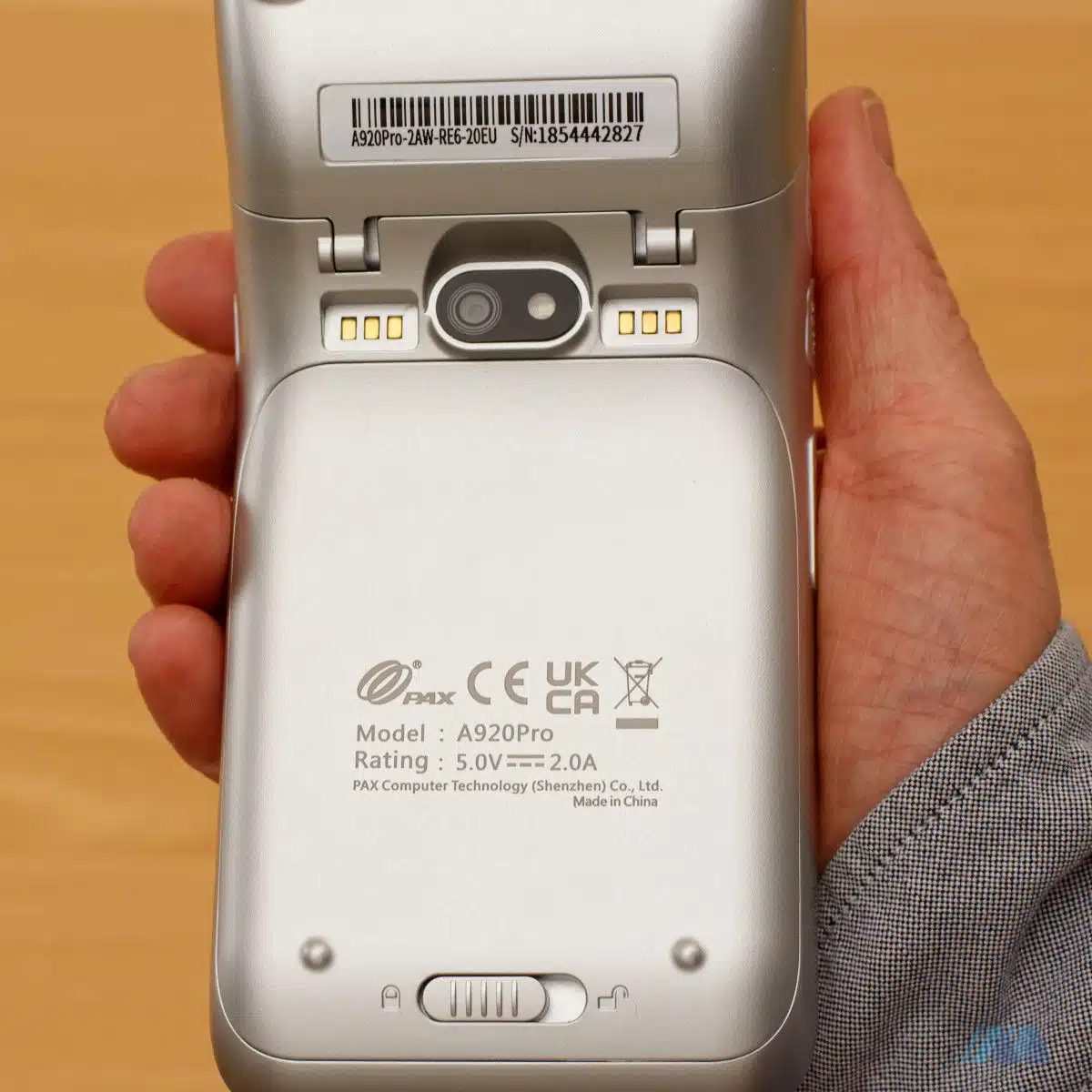
A PAX A920Pro rear camera is there, but Flatpay doesn’t currently utilise it.
The answer turns out to be a simple calculator feature on the default screen. You can, for example, use it for calculating how much individual customers should pay out of a group tab or calculate the price of a discounted item.
When I tried the Flatpay terminal, the menus and sections looked clearly labelled, and payments were straightforward to process. It’s not compulsory to print a receipt after each transaction either, so you can save paper that way.
Photo: EC, Mobile Transaction
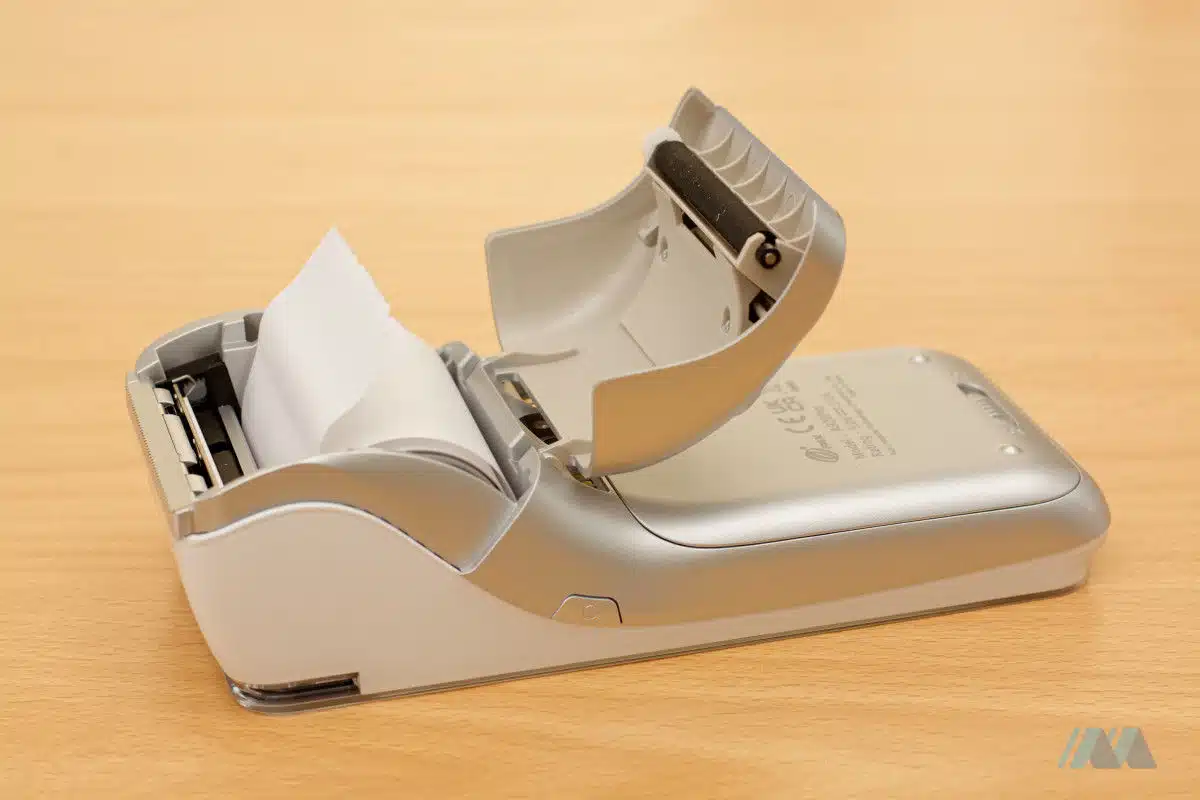
The receipt roll is easy to change on the card machine.
I like the fact you can suggest new features to Flatpay support, and the company may then build it into the software for the next development cycle. That’s how the calculator came into being.
Photo: ES, Mobile Transaction
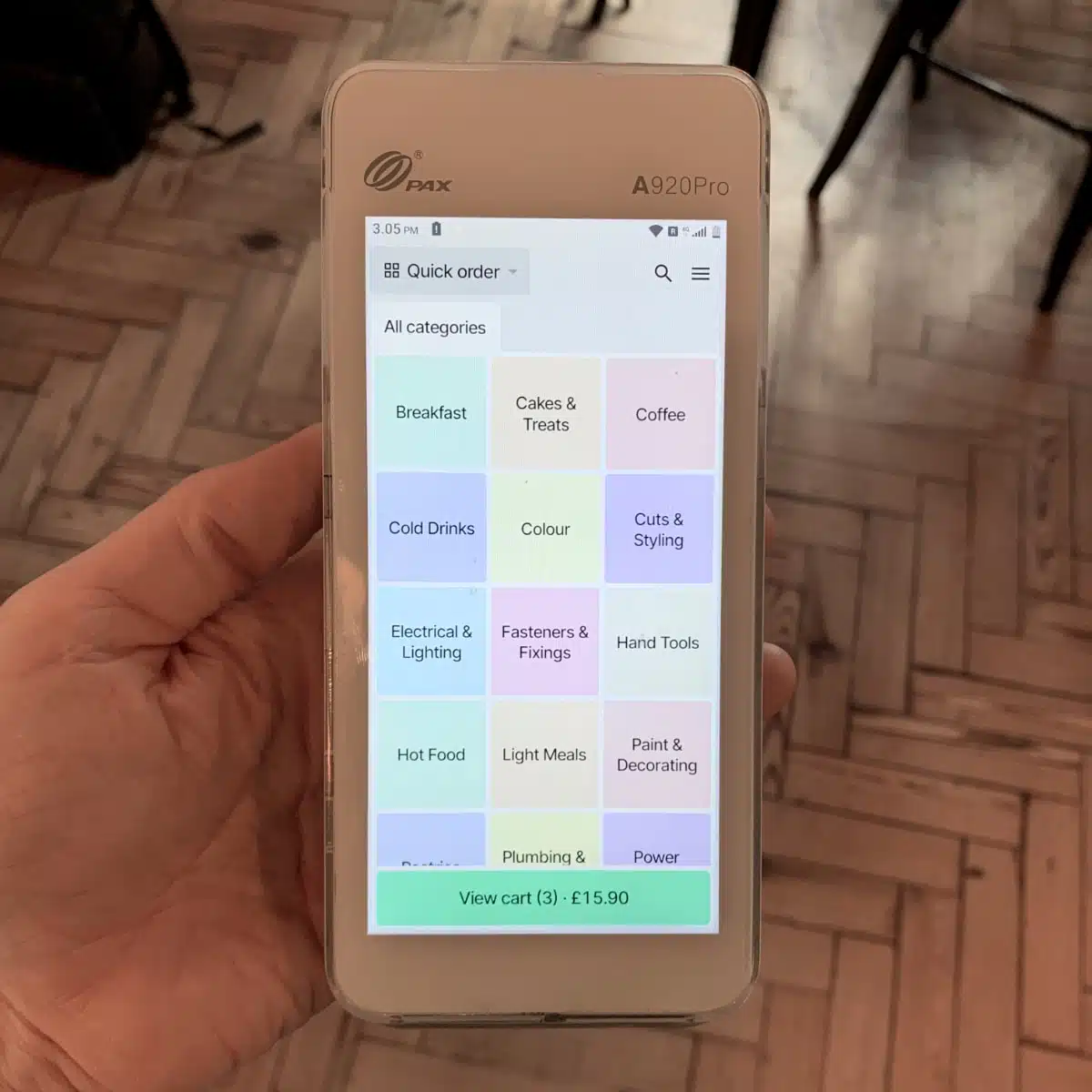
The simple mPOS (mobile point of sale) terminal has an items menu that can be customised.
The portable POS terminal is ideal for table-side ordering, small setups and businesses that can’t afford a full register upfront but nonetheless need more advanced features than the simple terminal package.
The full hardware kits include:
- POS Pro (£1,495 + VAT) – Lenovo Tab K11 Gen 2 tablet + stand, PAX A920Pro card machine + stand, receipt printer, cash drawer
- POS Premium (£2,495 + VAT) – CPOS X5 15.6″ POS tablet with customer-facing display and printer, PAX A920Pro card machine + stand, cash drawer
This is all high-quality equipment priced close to market value, but those knowing the SumUp, Square and Epos Now prices might gasp at the upfront cost, particularly as the kits are proprietary, not fully owned. Other POS items can be added, like a kitchen printer and barcode scanner.
Photo: ES, Mobile Transaction
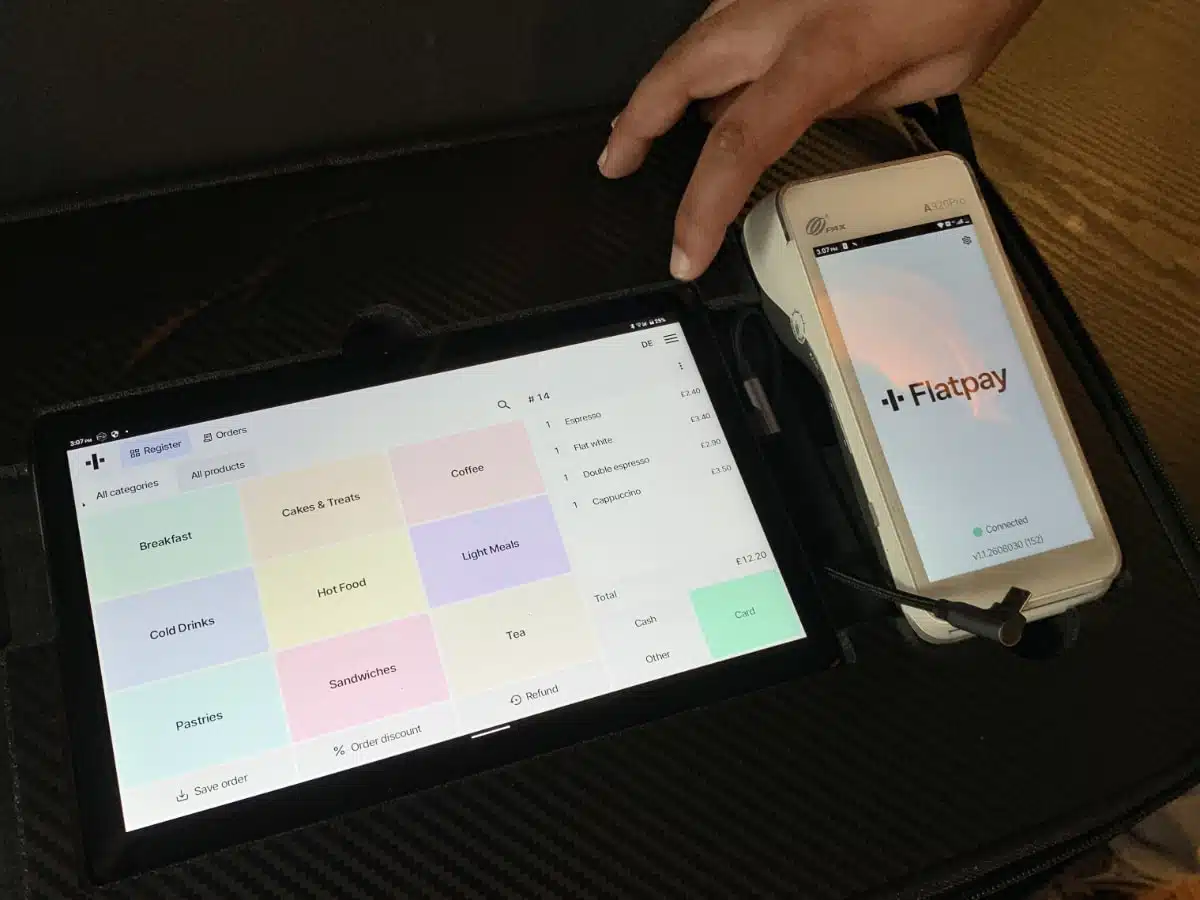
With POS Pro or Premium, the card machine works together with the tablet register.
Although the software is technically the same as the portable POS terminal, POS Pro and Premium will print better receipts, manage cash, improve the customer/cashier experience of a stationary till and allow for complex setups.
As for EPOS features, it offers dine-in/-out options, tipping, staff accounts, table management, discounting, some sales analytics, cash management and a customisable product library. I didn’t get the impression it was more complex than the free Square POS app when I tried it, though.
Still, Flatpay told me they take customer feedback seriously, going out of their way to create a solution for specific needs. They might add a feature you need to the software or find workarounds to accommodate for your shop processes.
With SumUp or Square, on the other hand, merchants typically have to find their own workarounds or integrate with external software that meets your needs. Flatpay doesn’t integrate with any other software, which is a different kind of barrier, so you really need to check if the Flatpay EPOS is complex enough for your operations.
Accounting: standard reports, no integrations
With Flatpay, you get a browser-based merchant portal where you can view and export reports for:
- Transactions
- Sales summaries (end-of-day/Z reports)
- Staff sales
- Payouts
- Turnover details (via POS system)
The exported CSV or PDF reports have enough details to keep your accountant happy. The data can be uploaded into accounting software, but no direct integrations are possible with Flatpay, which would’ve automated all this.
I wouldn’t say the analytics are extensive, as the POS software (if signed up for that) doesn’t measure that many things about sales. However, you can look at tips, VAT, sales per staff member, refunds and other standard aspects.
Service is a clear draw, but not perfect
I’d argue that Flatpay’s best strength is its uniformly personal onboarding, installation and 24/7 support via phone and email. The fact you don’t set up the hardware and software yourself is brilliant for super-busy, small-business merchants with hundreds of small and big things to think about.
It starts even before you become a customer. 1-2 sales agents meet you in person to show what they’re about, show the terminals and POS tablet and give you the chance to ask any questions. The sales agents that came to see me locally were very friendly and built a strong case for their product. I could test the terminals while they waited patiently, and they understood I had to think about the offering and probably follow up with questions later.
Then there’s the included in-person installation. Whether you choose a simple terminal or POS setup, a Flatpay agent will come out and and install the hardware for you, taking into account your business premises and needs. This is really quite attractive for many, but expensive upfront for all of the POS packages (not for the simple Terminal which remains free for installation too).
If something goes awry with a terminal that can’t be remedied remotely, Flatpay can send a replacement terminal. If the fault was your own, this may cost £410 + VAT, but Flatpay does provide a new terminal free of charge depending on the issue – for example, if it’s a manufacturing fault.
Customer reviews
Flatpay reviews are generally good, but I have noticed quite a few negative experiences too about:
- Sales agents giving misleading information
- Key contractual details not being clear until after you sign the contract
- Long contract, difficulties cancelling and no cooling-off period
- Terminal/POS software which still isn’t flawless
- Unmentioned rate increases
As with any merchant service provider, we urge you to read the terms and conditions before signing anything – especially with a long contract like Flatpay’s.
Getting started
Unlike pay-as-you-go services without a contract, merchants do have to go through several steps to be up and running with Flatpay – but you should feel supported by a customer service agent during all these steps.
First, you speak with a Flatpay representative who will see you in person at a location of your choice. If you’re happy with a solution, you submit proof of address, bank details and other personal and business details. These details are normally verified within a few days, but it can take 5-10 working days from when the contract is signed until you receive the hardware by post.
An installation team (or one person) will come and set it all up for you, after which you can begin to take payments.
At the sales agents’ discretion, many Flatpay merchants have been able to sign up for an initial trial period that’s cancellable without a charge. If that’s what you need, make sure this is agreed in writing so you don’t inadvertently sign up for the non-cancellable, full contract.
Although Flatpay’s current reach is mainly around the big cities of the UK, they will go out of the way to send a sales person to any part of the country where they still lack an employee base.